
Guides and playbooks
Debugging and Observability
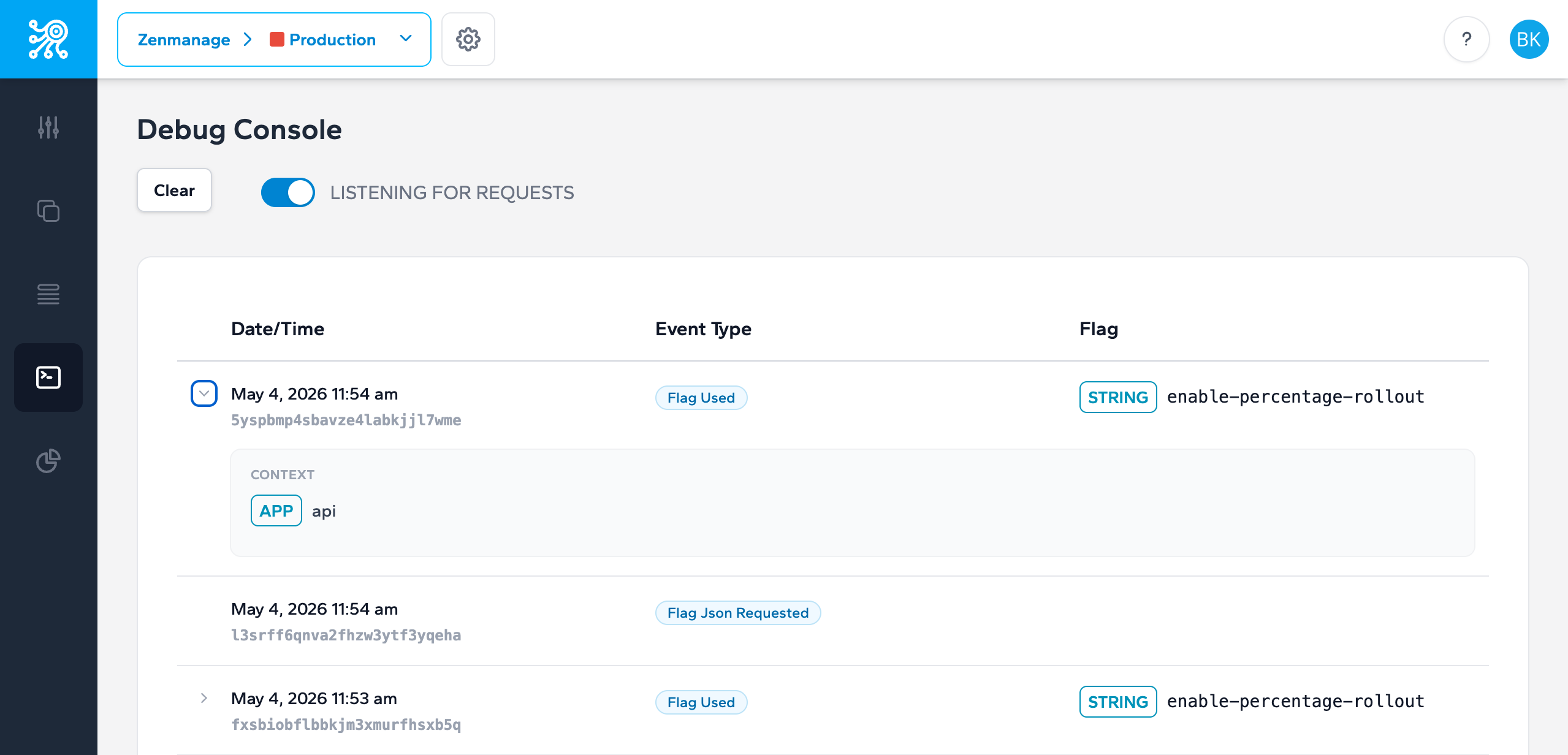
Troubleshoot bad evaluations by checking context shape, default values, rollout ordering, and what the application actually sent.
Start with the context
Most evaluation surprises are context problems: the wrong identifier, missing attributes, a value in the wrong shape, or a server/mobile/client key pointed at the wrong environment or runtime. Before you inspect rules, capture the exact context JSON your application sent.
This is also why the API reference keeps the context header format explicit. If your request does not match the documented shape, rules will not behave the way you expect.
Common failure patterns
- The flag key exists in staging but not in production.
- The application forgot to pass context for a targeted rollout.
- An attribute exists, but the key or value casing does not match the rule.
- A broad rule appears above a specific rule and wins first.
- The application is serving the inline default instead of the live flag because the flag is missing.
Step-by-step debug flow
- 1. Confirm the key belongs to the expected environment and matches the runtime type (server, mobile, or client).
- 2. Capture the exact context and defaults sent by the application.
- 3. Check rule order and selector choice.
- 4. Verify whether the application is returning a default instead of a live flag.
- 5. Use webhook or cache-refresh logs to confirm a recent target change actually propagated.
Next step
Take the next integration step in your own stack.
Start with the quickstart that matches your runtime, then return to the reference pages when you need exact request and payload details.