
Concepts
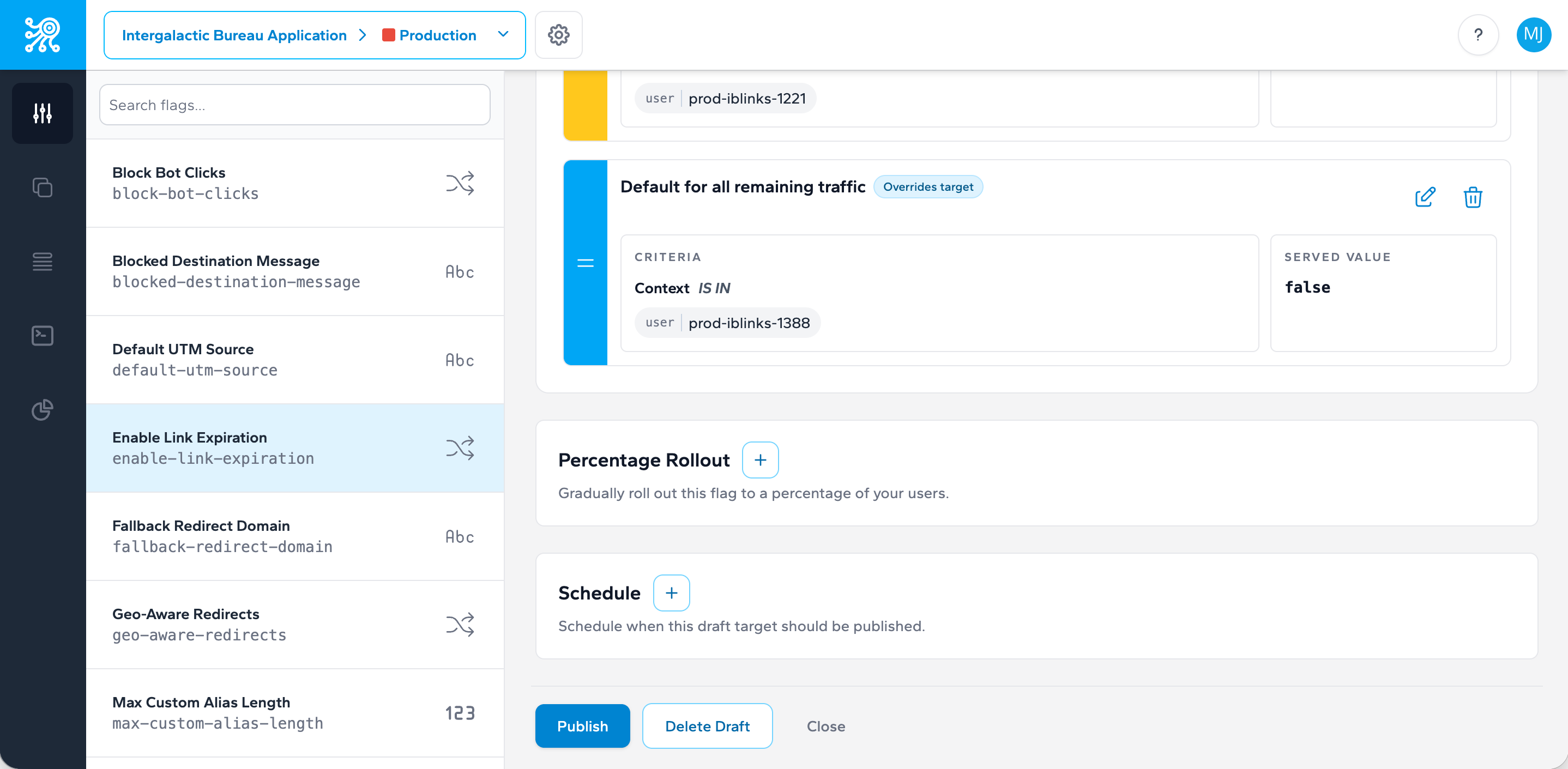
Targets and Publishing States
Treat target state changes as part of your release workflow, not as an afterthought after code ships.
How a target moves through time
Zenmanage targets carry publishing metadata in the API response: published_at, scheduled_at, and expired_at. Together, those fields describe whether a target is still being prepared, already live, scheduled for a future change, or no longer active.
Draft
Defined but not yet published for live evaluation.
Published
Active now and returned during evaluation.
Scheduled
Configured to change in the future without a new deployment.
Expired
No longer the active target after its expiration window passes.
Why this matters operationally
Publishing state is part of release management. A scheduled target can act like a planned release window. An expired target can remove temporary behavior automatically. A published boolean target can become your fastest kill switch. The more intentional you are about state transitions, the less manual cleanup your team needs later.
Before using scheduling for a production rollout, make sure your on-call team also knows the manual rollback path in the kill switch and incident rollback playbook.
Next step
Take the next integration step in your own stack.
Start with the quickstart that matches your runtime, then return to the reference pages when you need exact request and payload details.