
Concepts
Getting Started
Go from environment setup to your first evaluated flag, first rollout, and first webhook without guessing at the sequence.
Prerequisites
- A Zenmanage account with access to create or edit a project and environment.
- An application where you can safely add one platform key and one fallback value.
- A stable identifier for the context you want to target, such as a user ID, organization ID, or service name.
1. Choose a project and environment
Zenmanage isolates evaluation by environment. Start by deciding where you want this first integration to live. Most teams begin in a non-production environment so they can validate context shape, fallbacks, and targeting without changing live traffic.
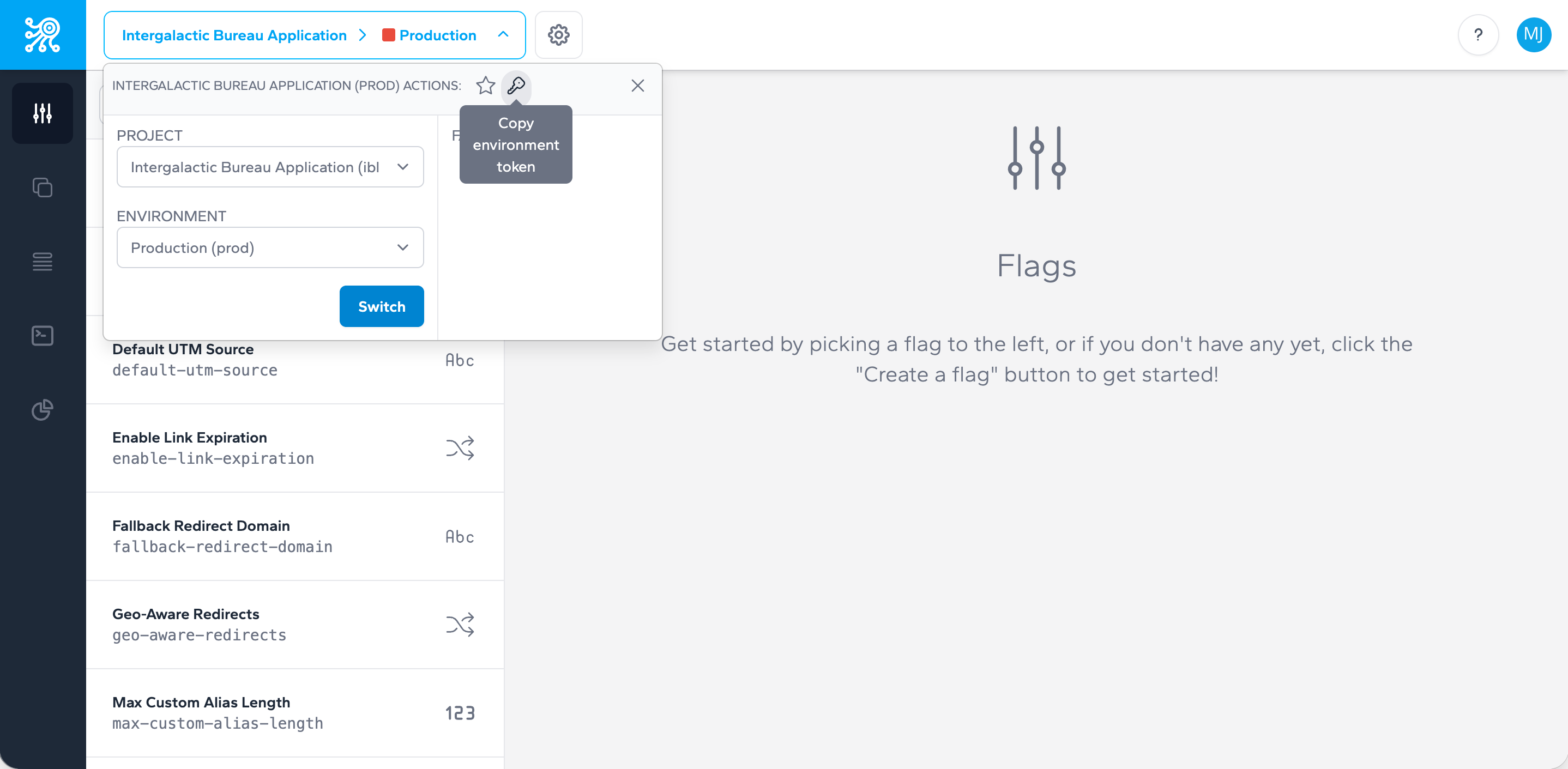
2. Copy the right key type
Each environment now includes three keys: server, mobile, and client. Use the key that matches where evaluation happens. Keep all keys in application configuration or secret storage instead of hard-coding them.
export ZENMANAGE_SERVER_KEY="tok_your_server_key_here"
3. Create your first flag with a safe default
Start with a boolean flag that controls a single behavior. In application code, always supply a default value. That gives you a deterministic answer even if the flag does not exist yet or the API cannot be reached.
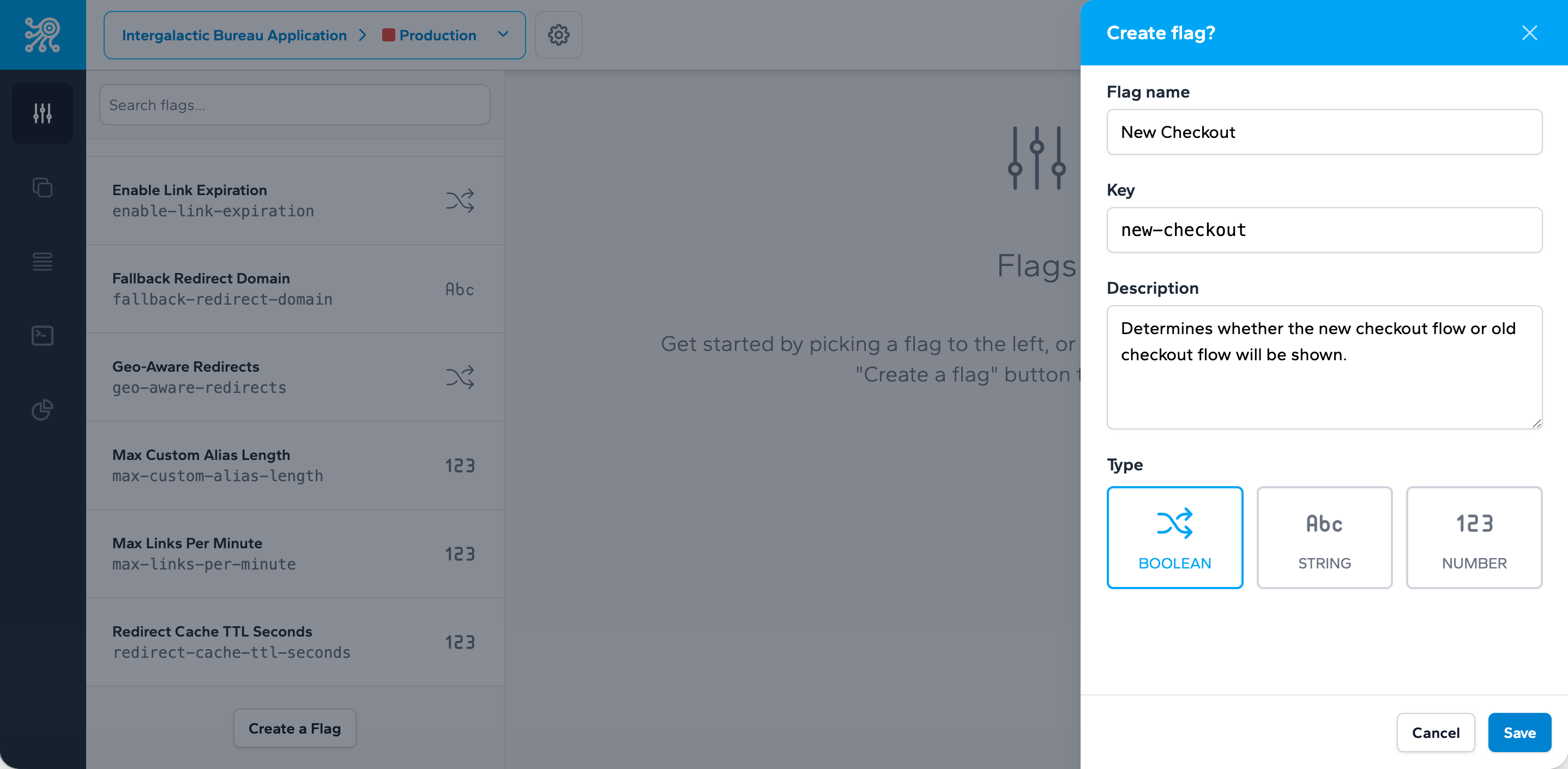
const flag = await zenmanage.flags().single('new-checkout', false);

if (flag.isEnabled()) {
  renderNewCheckout();
} else {
  renderCurrentCheckout();
}
4. Add context before your first rollout
Context is what lets Zenmanage target by user, organization, or service and what allows deterministic percentage rollouts. Use a stable identifier and add attributes only when they are meaningful for targeting decisions.
{
  "type": "user",
  "identifier": "usr_123",
  "name": "Jane Doe",
  "attributes": [
    { "key": "country", "values": [{ "value": "US" }] },
    { "key": "plan", "values": [{ "value": "enterprise" }] }
  ]
}
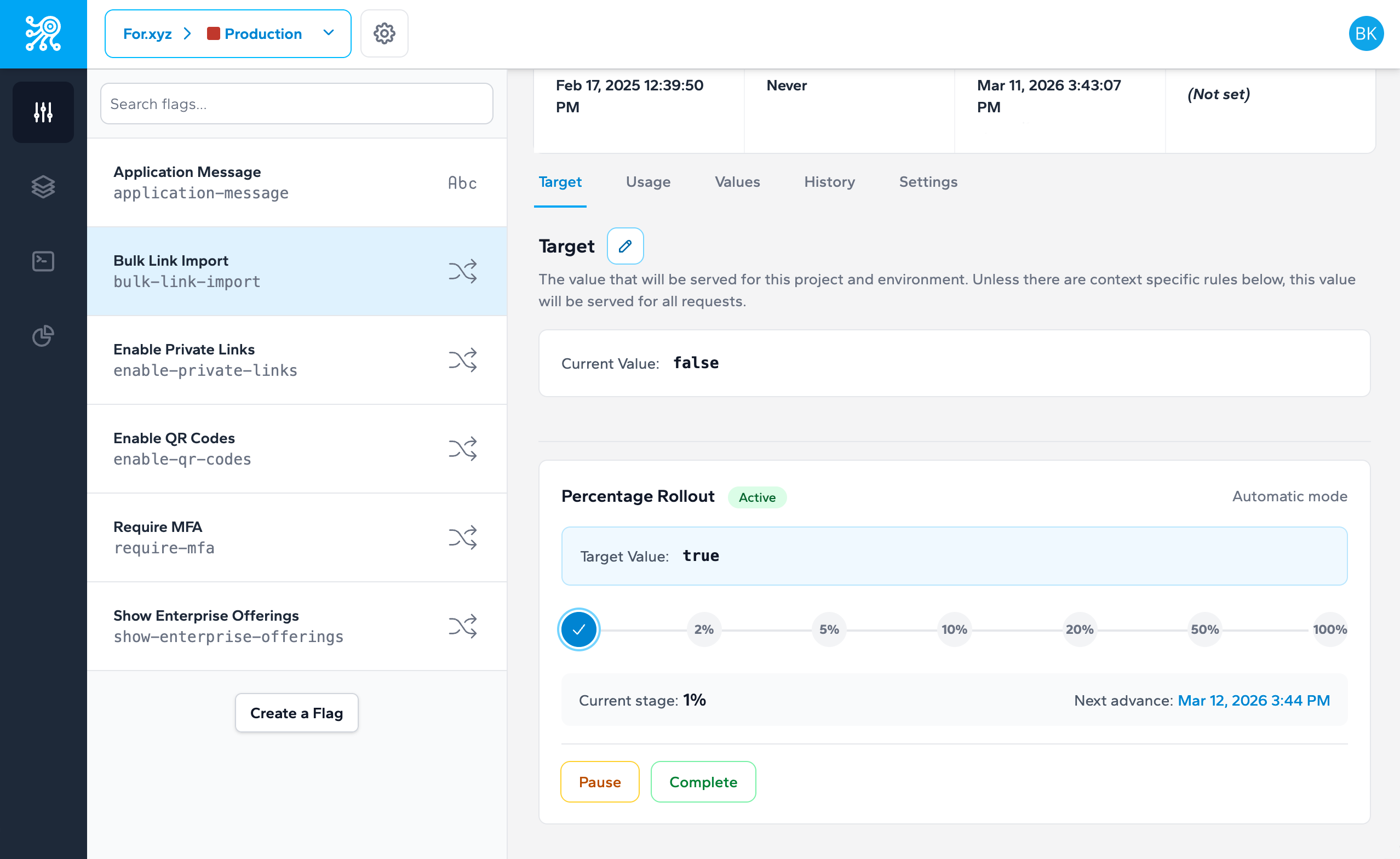
5. Add a webhook if your app caches flag state
If your application stores evaluated values locally, webhooks are the fastest way to invalidate caches when targets or rules change. Start with flag.target.changed and add rule events when your cache depends on targeting logic.
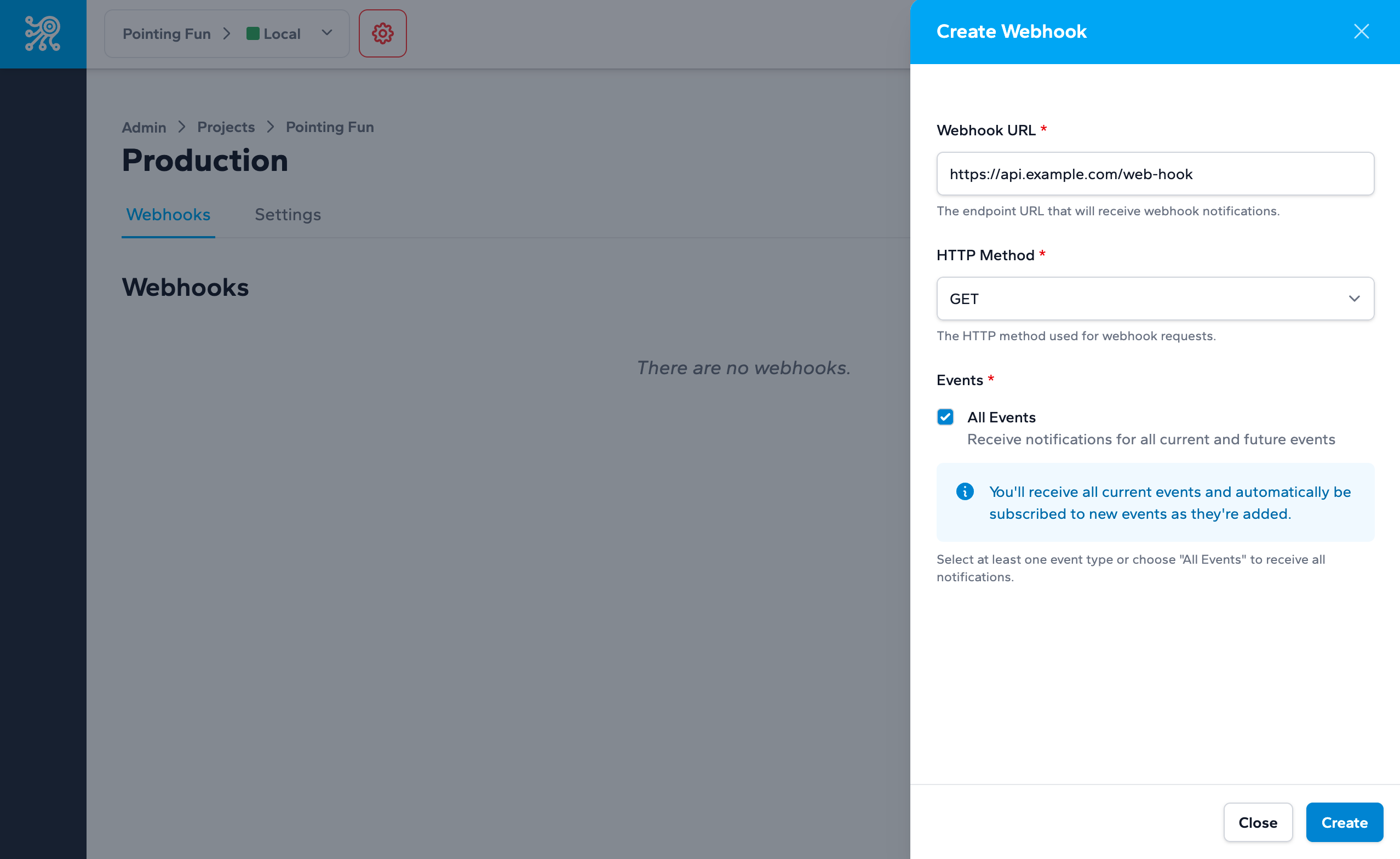
6. Choose the narrowest integration path
Do not start with every feature. If you are shipping from JavaScript, PHP, or Laravel, use the runtime quickstart that matches your stack. If you only need direct HTTP calls, use the API reference instead.
7. Production checklist
- Use production server/mobile/client keys only in production infrastructure for their matching SDK types.
- Provide a default value for every flag your code reads.
- Use stable context identifiers for any rollout that depends on targeting or percentage bucketing.
- Bookmark the kill switch and rollback playbook before your first live rollout.
- Review governance guidance so temporary flags do not become permanent debt.
Next step
Take the next integration step in your own stack.
Start with the quickstart that matches your runtime, then return to the reference pages when you need exact request and payload details.